
Using keywords on Amazon KDP
The boxes are easy to fill and easy to waste. What earns a slot, which words Amazon enforces against hard enough to cost you the listing, and why the obvious search term is usually the wrong pick.
By Alex Tkach, CEO & Co-Founder, UNITIX Agency
See more UNITIX in Google
Add UNITIX to your Preferred Sources.
Check before you act. Amazon programme rules, fees, and thresholds in this article were last verified on 13 November 2024. Amazon changes them without notice. Confirm current figures in Seller Central.
Keywords decide whether readers find your book. When someone searches Amazon, they type terms relevant to their interest, and keywords are what make your book eligible to appear against those terms.
The seven boxes
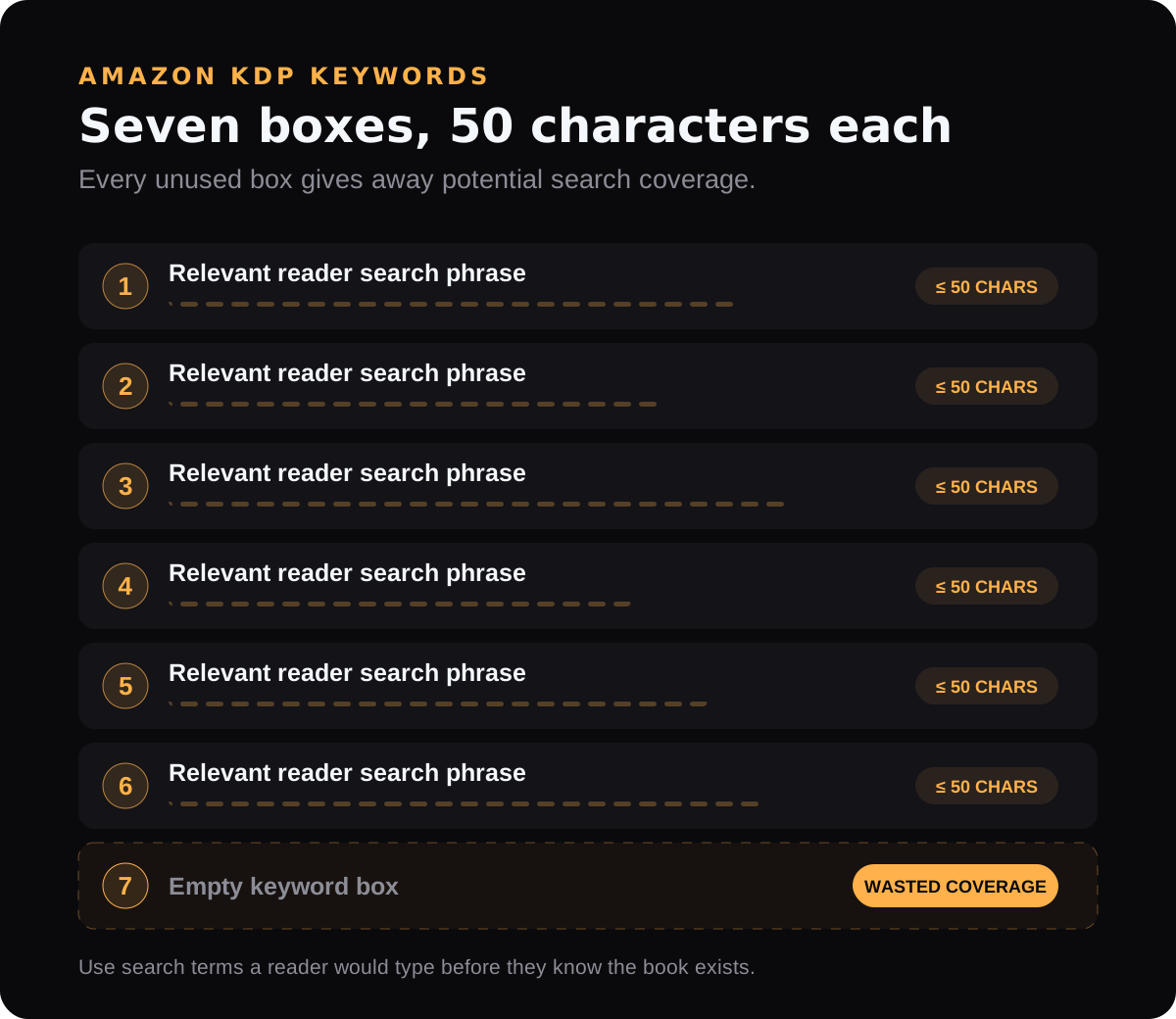
Amazon KDP gives you seven keyword boxes, each limited to 50 characters. Each holds search terms you want the book to rank for.
Use the full character allowance in every box. An unused box is coverage you have given away for nothing.
Aim for high volume, low competition
Rank where you can actually rank. A broad term like "coloring book" is effectively unwinnable through keyword placement alone, because the competition is enormous.
More specific phrases attract fewer searches but reach readers looking for precisely what you published, and those readers convert.
What Amazon prohibits
These rules are enforced, and breaking them can cost you the listing:
- Other people's brands and titles. Do not use names like "Harry Potter" unless it is your series.
- Subjective superlatives. "Best novel" or "most popular book" are not permitted.
- Time-sensitive or promotional words. "New", "soon", "free", "cheap", and similar terms.
- Terms that narrow rather than widen. Words that restrict the search options reduce the number of queries you can appear against.
The practical test
Choose terms an actual reader would type when they do not yet know your book exists.
That is the whole job. Keywords that describe your book to someone who already knows about it are wasted characters.
Guessing what a reader types is the hard part, and it does not have to be a guess. The Amazon keyword tool reads Amazon's own search terms report, so it shows phrases people actually searched rather than phrases a tool estimated.
Published by UNITIX Agency, an Amazon growth agency and an Amazon Ads Verified Partner. More at unitix.pro/insights.
Check your own product
ASIN Inspector
Paste an ASIN or an Amazon product link. You get the price and Buy Box, rank and how it has moved, ratings, images and video, and the search terms the product is clicked on. Free, and it needs no access to your account.